


 Join Mobily
 SIGN IN


 Track order
  Line recharge
  Customer rights
 Apple services
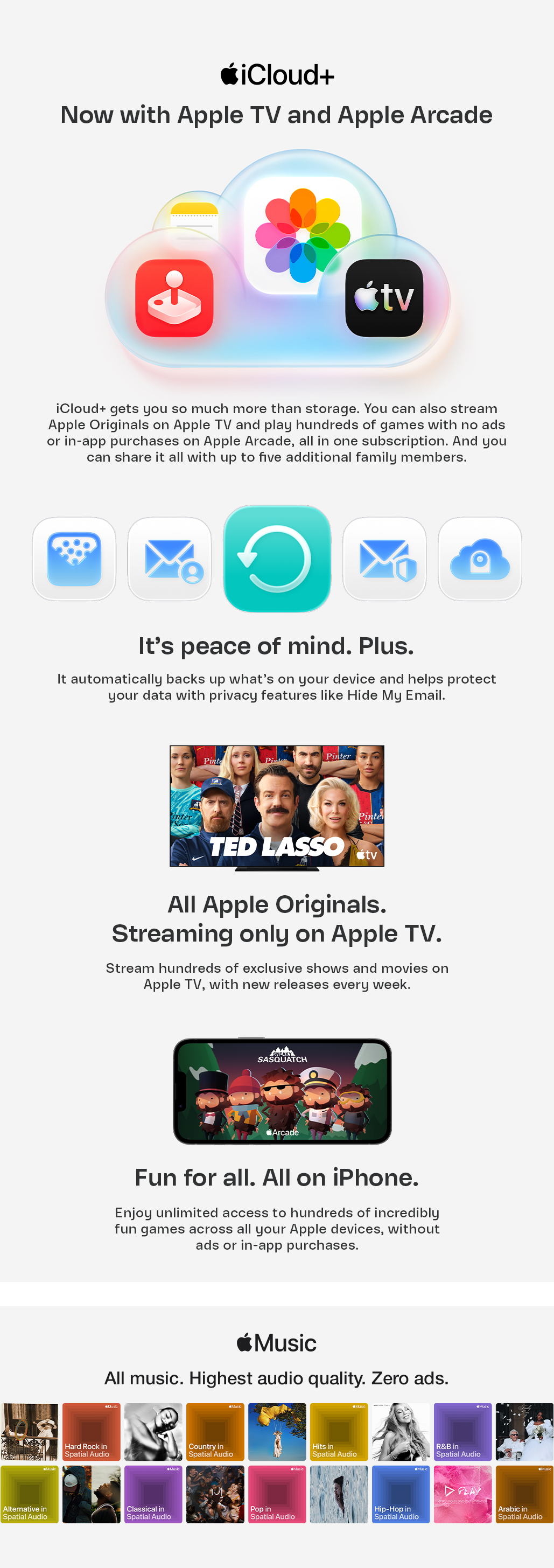


Enjoy your iCloud+ subscription, now with Apple TV and Apple Arcade when you subscribe to one of the Mobily Postpaid plans listed below.
iCloud+ Included plans:
Moreover, you can now choose Apple Music from the available entertainment subscriptions included in your package when you subscribe to one of the Mobily Postpaid plans listed below.
Apple Music available in:
Already subscribed to one of these plans?
Activating your iCloud+ is quick and easy:
- Check your SMS or email for your activation link.
- Or activate your service directly through the Mobily App.
- Sign in with your Apple Account.
- Follow the activation steps and start enjoying iCloud+ now with Apple TV and Apple Arcade right away.
Activating Apple Music is quick and easy:
- Open the Subscription Management section in the Mobily App.
- Select Apple Music from the included entertainment subscriptions list.
- Confirm your choice using the OTP.
- Complete activation directly through the Mobily App.
- Alternatively, use the activation link sent to you via SMS or email.
- Sign in with your Apple Account.
- Follow the activation instructions and start enjoying Apple Music.
- Get storage for everything that matters, plus Apple TV and Apple Arcade included1
- Get 50GB seamless and secure cloud storage for your iPhone2
- Protect what’s on your device with automatic backups3
- Share your iCloud+ subscription with up to five additional family members at no extra cost4
- Share iCloud+ storage and keep everyone’s data private and separate4
- Pick up where you left off with cross-device syncing2
- Stream hundreds of exclusive Apple Originals and enjoy new releases weekly.
- Watch every show and movie on Apple TV with no ads.
- Watch in 4K HDR video with immersive Spatial Audio.
- Available on all your favorite screens—Apple TV is on Apple and Android devices, streaming platforms, smart TVs, gaming consoles, and more
- Download your favorite Apple Originals to your Apple or Android device and watch offline without Wi-Fi
- Unlimited access to hundreds of games
- No ads, no in-app purchases, no interruptions
- Play online or offline across your Apple devices
- Works with compatible game controllers1
- Committed to your privacy

- Hear your favorite songs in the highest audio quality1
- Play over 100 million songs, always ad-free
- Listen everywhere with iOS, Android, connected devices, top gaming consoles, and more
- Get the most immersive listening experience with Spatial Audio2
- Download your favorite tracks and play them offline
- With AutoMix, you get a seamless listening experience, with beat matching between songs, unique transitions, and continuous playback—just like a DJ3
Q. What is included with this offer?
Mobily customers on selected packages can:
- get free access to iCloud+ which now includes Apple TV and Apple Arcade.
- choose Apple Music as one of their available service selections.
Q. How do I activate my iCloud+ subscription?
You will receive a link to activate your subscriptions via SMS and email, once you’ve signed up to an eligible Mobily plan.
Open the link sent to you via SMS or email, then follow the on-screen instructions to connect your Apple Account and enjoy iCloud+ which now includes Apple TV and Apple Arcade.
You can also activate your subscription directly through the Mobily app.
Q. How do I unlink my Apple Account from Mobily?
You can unlink your account through the Mobily application.
Q. What happens when I unlink my account?
- Your Apple Account will be disconnected from your Mobily subscription
- You may link to another Apple Account
Q. Can I link again after unlinking?
Yes, you can link again at any time using the Mobily mobile application.
Q. What will happen If I don’t pay my Mobily bill? Will my subscription be suspended?
In this case the subscription is cancelled, and Apple Services will be inactive. You can reactivate your Apple Services offers by subscribing to an eligible Mobily plan.
Q. I clicked the link, but it didn’t work. What should I do?
- Try again after some time
- Contact customer support if the issue continues
Q. Who can I contact for help?
For any issues or questions, you can contact Mobily customer support.
Q. What is iCloud+?
iCloud+ is a premium subscription that includes Apple TV, Apple Arcade and additional storage to keep your photos, videos, files, and more backed up and automatically available across your devices. It also includes access to features like:
- Apple Invites
- iCloud Private Relay
- Hide My Email
- Custom Email Domain
- HomeKit Secure Video.
Q. Can my family share an iCloud+ plan?
Yes. You can share any iCloud+ plan with up to five other people in your Family Sharing group. Everyone will get access to the storage they need, along with features that keep them in control of their privacy, at no additional cost per user. A single subscription can cover everyone in your household, and each person’s files, documents, and other personal information remain private and separate.
Q. How much storage comes with my plan?
Mobily customers have free access to the 50GB iCloud+ plan as part of their eligible postpaid package.
Q. What is Apple TV and how can I watch it?
Apple TV is included at no extra cost with your iCloud+ subscription. It’s an all-original streaming service featuring hundreds of exclusive shows and movies — thrilling dramas, epic sci-fi, feel-good comedies and more — with new releases every week.
Watch Apple TV on the Apple TV app, which is already on your favorite devices. Just open the app, click or tap Apple TV, and enjoy the shows and movies. You can also watch Apple TV on streaming platforms, popular smart TVs, and AirPlay-enabled TVs with the Apple TV app — or watch online at tv.apple.com
Q. What is Apple Arcade and how can I use it?
Apple Arcade is included at no extra cost with your iCloud+ subscription. It’s a game subscription service that offers unlimited access to 200+ incredibly fun games — featuring new releases, award winners, and beloved favorites from the App Store, all without ads or in-app purchases. You can play Apple Arcade games on iPhone, iPad, Mac, and Apple TV 4K.
You can find Apple Arcade on the Arcade tab of the App Store and Games app. You can also search the App Store and Games app for a specific Apple Arcade game.
- On your iPhone or iPad: Open the App Store or Apple Games app and go to the Arcade tab at the bottom of the screen.
- On your Mac: Open the App Store or Games app and go to the Arcade tab.
- On your Apple TV 4K: Open the Arcade App or open the App Store and go to the Arcade tab at the top of the screen.
iCloud+
1 Subscription required. The Apple TV subscription included with iCloud+ does not include third-party branded subscription services or content available for rental or purchase in the Apple TV app.
2 Some iCloud features require a Wi-Fi connection and are not available in all countries or regions. Access to some services is limited to 10 devices.
3 iCloud+ automatic backup and device restoration requires Wi-Fi and power connection. Compatible devices and sufficient iCloud+ storage required. Backup of purchased music is not available in all countries or regions. Previous purchases may not be restored if they are no longer on the iTunes Store, App Store, or Apple Books.
4 Requires Family Sharing. One subscription per Family Sharing.
Apple Arcade
Game availability for the hundreds of titles across devices varies based on hardware and software compatibility. Some content may not be available in all areas.
1 Game controllers work with select games and are sold separately. Availability may vary by country or region.
Apple Music
Apple Music subscription required.
1 Lossless audio available up to 24-bit/192 kHz.
2 Compatible hardware and software required. Not all content available in Spatial Audio with Dolby Atmos.
3 AutoMix requires a compatible Apple device running iOS 26, iPadOS 26, visionOS 26, or macOS 26 or later, or CarPlay running the latest software.